Long-running · Free to play · Vanilla survival

A survival world built by everyone who plays it.

SCSJ is a free, community-run Minecraft Java survival server that supports multiple client versions. We keep the pace of vanilla survival, with no paywalls or paid advantages. The world grows through the people who explore it, build in it, and look after it.

Paper 1.21.8 Minecraft Java Multiple versions

Server status

Can I join right now?

Status is queried live from the server and may lag slightly behind the actual state. This page refreshes automatically every 30 seconds.

Checking status…
Players —
Server version —
Last updated —

Server address

Pick an address and step in.

Use the primary address first. If it does not connect, try the direct backup address. Click an address or its copy button to copy it.

Primary address mc.scsj.fun

Recommended. The domain resolves to the server's current entry point.

Direct backup play.simpfun.cn:42254

Use this when the primary address fails, especially on networks where domain resolution is unreliable.

Minecraft Java Edition required. The server currently runs Paper 1.21.8 and supports multiple client versions.

QQ group: 1061538673

A glimpse of the world

A world built together by its players.

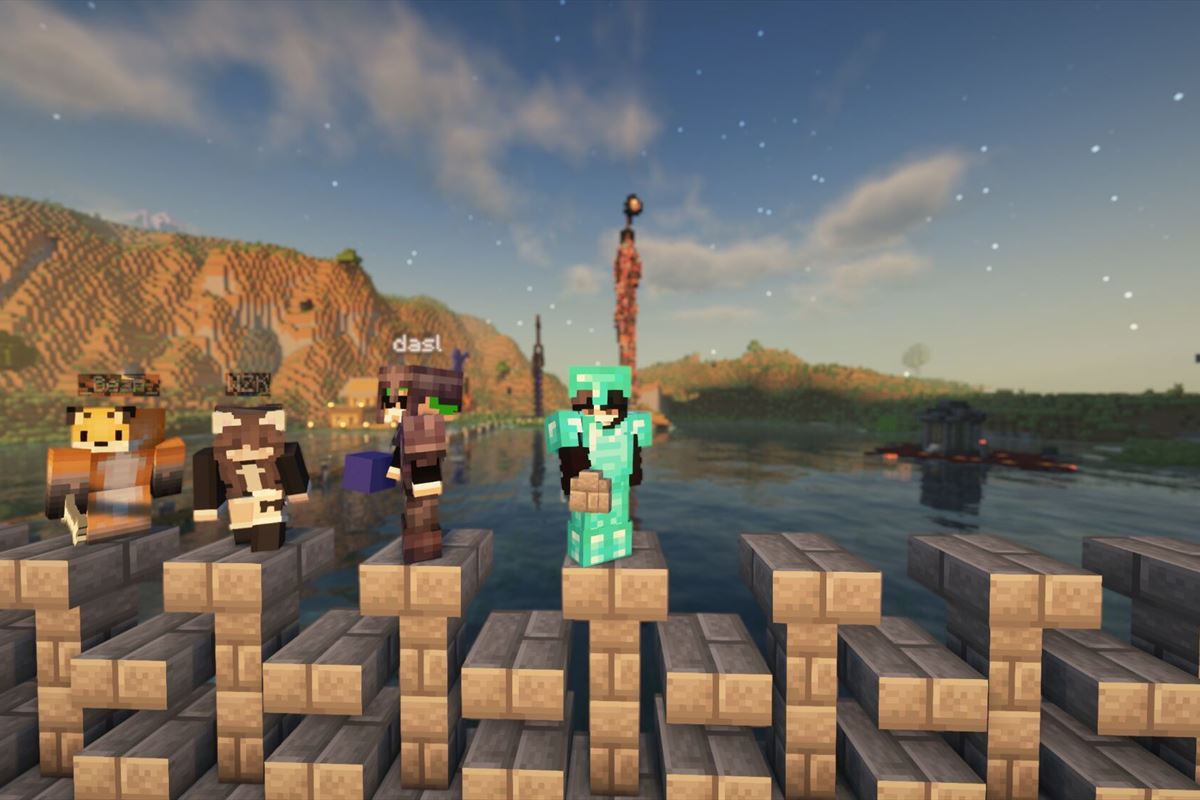
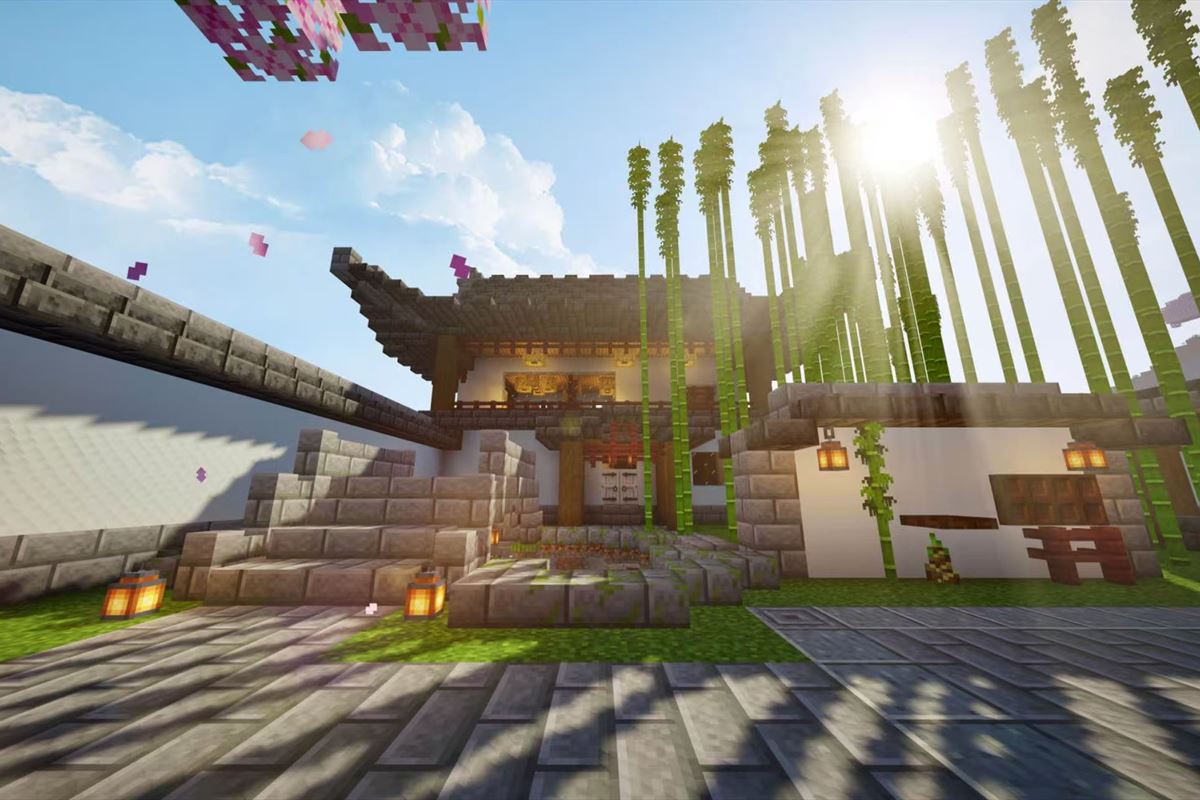
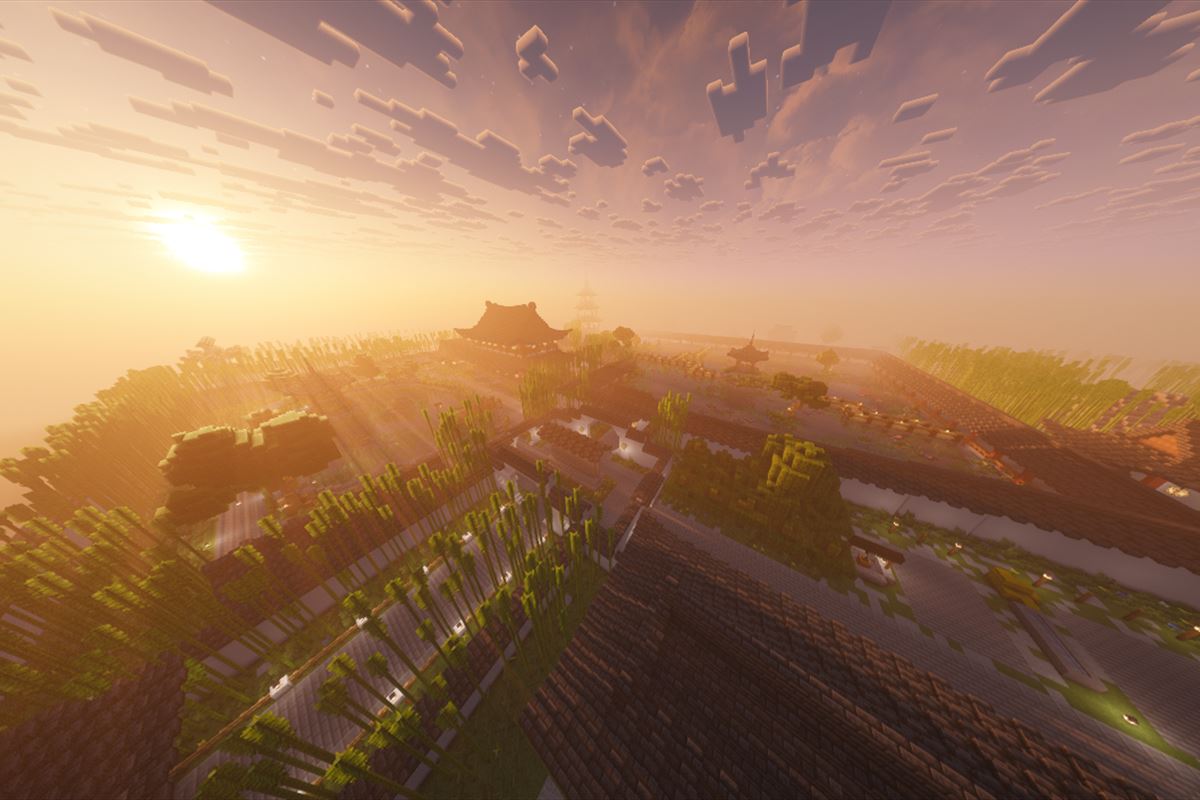
Every build, road, and altered landscape here comes from the time players have put in. The server will always preserve these creations and let the world keep growing.

A group photo of players on the SCSJ server
A traditional courtyard surrounded by bamboo on the SCSJ server
Traditional buildings on the SCSJ server
The Kuqing Tree - Max on the SCSJ server

How to join

How do I join the server?

All you need is Minecraft Java Edition, and multiple client versions are supported. If something goes wrong, try the direct backup address.

  1. Get the client

    Install Minecraft Java Edition and launch the game.

  2. Match the version

    The server currently runs Paper 1.21.8 and supports multiple client versions. Use a compatible Java Edition version.

  3. Add the server

    Open Multiplayer and select Add Server.

  4. Enter the primary address

    Use mc.scsj.fun as the server address, save it, and join.

  5. Try the backup

    If the primary address does not connect, use play.simpfun.cn:42254.